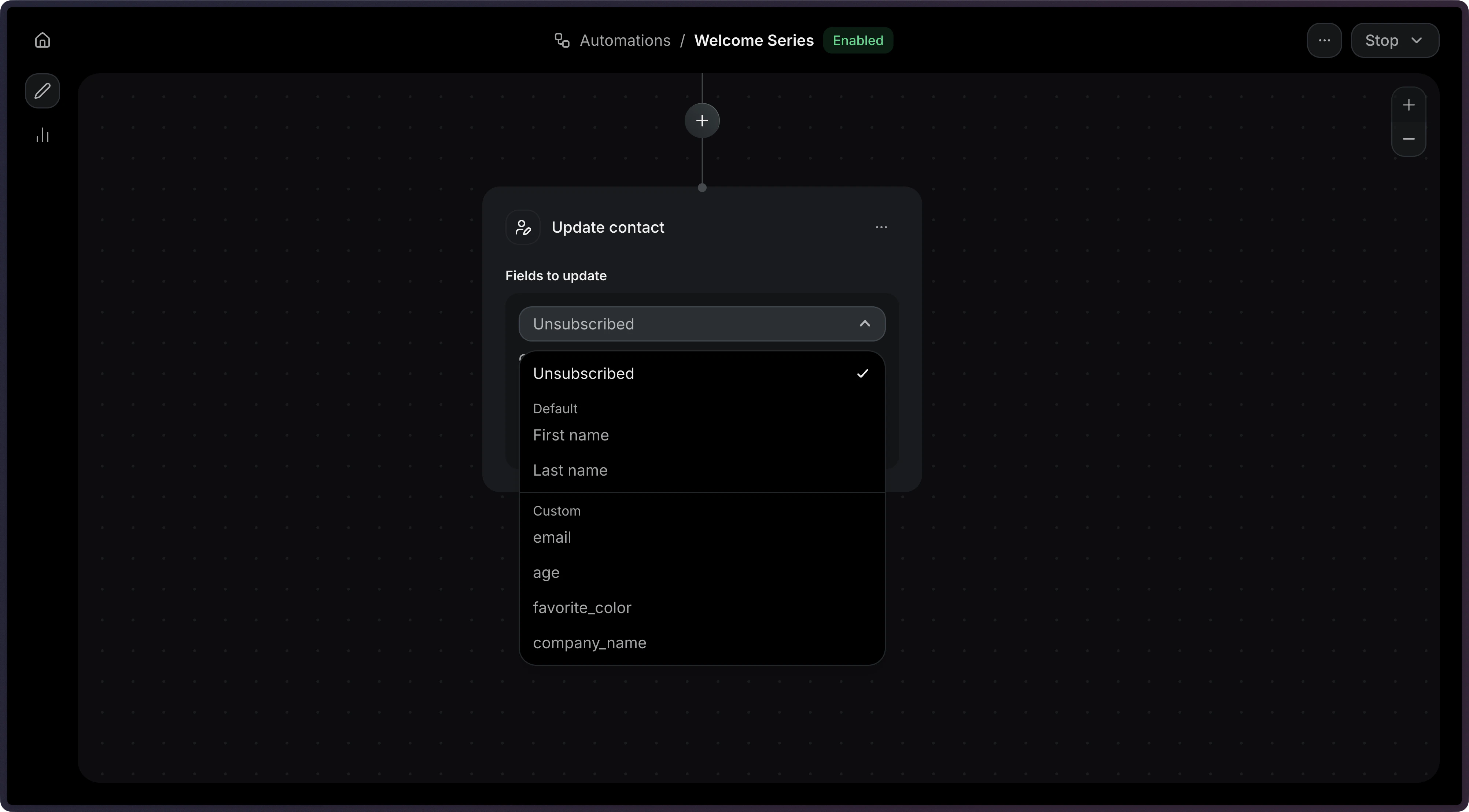
The contact update step modifies a contact’s fields as part of an Automation. You can update a contact’s name, subscription status, or custom properties.Common use cases:
Enrich profiles: Copy event data into the contact record.
Set flags: Mark contacts as VIP, or churned based on their activity.
Sync properties: Keep custom properties up to date as events flow in.
Each field value can be a hardcoded value (string, number, boolean) or a dynamic variable reference using the { "var": "..." } syntax. Variable references use dot-notation with one of these scopes:
event.*: references a field from the triggering event payload.
contact.*: references a field from the current contact record.
For more help working with variables in templates, see the Send Email step documentation.
A map of custom contact properties to update. Keys correspond to your Contact
Custom Properties. Each value can be a
hardcoded value (string, number, boolean) or a variable reference.